Privacy Manifest Compliance for iOS Apps Using Third-Party SDKs
Developers must ensure third-party SDKs declare their privacy practices or face app rejection.
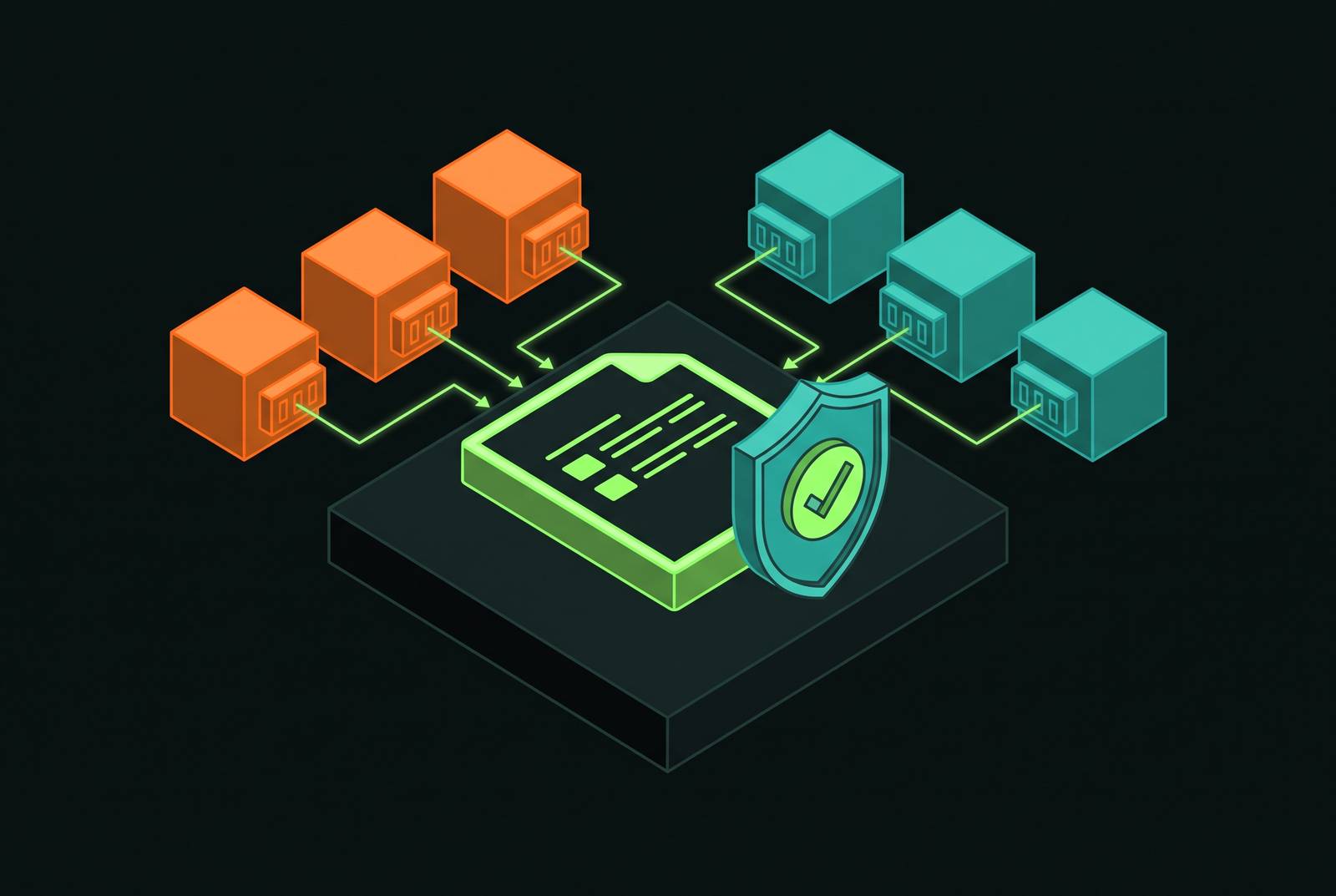
Privacy Manifest compliance for iOS apps using third-party SDKs is a dependency-management obligation. A correct app manifest cannot compensate for an SDK’s missing declaration. Reliable submissions depend on understanding the four declarations, checking how Xcode aggregates them, and making every dependency change part of the privacy review.
Why the app developer bears full responsibility for every SDK in the binary
A submission can bounce with an error naming a framework the developer forgot the app shipped. The developer may never have called the offending API directly, yet the framework remains part of the submitted binary. Apple’s static analysis inspects bundled frameworks at upload time and automatically rejects builds when required declarations are missing. The submission gate operates on the binary itself.
That boundary makes the app developer legally and technically accountable for third-party code as well as code the team wrote. Enforcement is layered by bundle, so an app’s manifest cannot substitute for an SDK’s declaration, and an SDK’s manifest cannot cover the app. Analytics, crash reporting, advertising, and feature SDKs can each block a release if their required declarations are missing. The developer is still responsible when a vendor must make the fix.
What a Privacy Manifest is and what its four declarations cover
A Privacy Manifest is a property list file named PrivacyInfo.xcprivacy, bundled with the app or SDK to describe that component’s behavior. Apple introduced Privacy Manifests at WWDC23 as part of the iOS 17 privacy updates and began enforcing the rules on May 1, 2024. The file has four declarations, each with its own job. Treating them as interchangeable privacy metadata obscures the different failures each can produce.
NSPrivacyTracking is a Boolean declaring whether the component tracks users in Apple’s specific App Tracking Transparency sense. This key governs whether iOS actively blocks the tracking domains declared in the manifest, so its value has consequences beyond the wording of a disclosure.
NSPrivacyTrackingDomains lists the network domains the component contacts to track users. iOS blocks connections to the declared tracking domains until the user grants ATT consent, so accurate entries in this documentation affect how the integration’s network connections work.
NSPrivacyCollectedDataTypes describes the categories of user data collected, whether each type is linked to the user’s identity, and the collection purpose. Those attributes must reconcile exactly with the App Privacy Nutrition Label on the App Store product page. Data disclosures must agree even when the API declaration is complete.
NSPrivacyAccessedAPITypes lists the required-reason API categories the component uses, with one or more Apple-approved reason codes for each. This declaration causes most cases in which a Privacy Manifest is automatically rejected.
The five required-reason API categories and why they exist
Apple’s required-reason API documentation lists five system API families that have significant potential for device-fingerprinting. Storage information, keyboard lists, and uptime can combine into identifying signals, and fingerprinting is prohibited regardless of ATT status. Consent does not override that prohibition. Any use of these API families in the app or a bundled SDK must have an approved declared reason.
NSPrivacyAccessedAPICategoryUserDefaults covers UserDefaults and preferences storage, making it relevant to nearly every app through configuration, state, and plugin persistence. NSPrivacyAccessedAPICategoryFileTimestamp covers file creation and modification dates, which frequently appear in caching logic and update bundle handling. Both reach into ordinary application infrastructure. Both categories also cover code that serves purposes other than collecting user information.
NSPrivacyAccessedAPICategoryDiskSpace covers free-space checks such as NSFileSystemFreeSize, commonly used by download managers and media-heavy apps. NSPrivacyAccessedAPICategorySystemBootTime covers system uptime and elapsed time through ProcessInfo.systemUptime, including timing logic, diagnostics, and session tracking. The fifth category, NSPrivacyAccessedAPICategoryActiveKeyboards, covers detection of installed keyboards in the input environment, as used in custom input handling and accessibility features.
Each category used needs a dictionary containing its identifier and one or more valid reason codes from Apple’s published list. The category and reason must match. The five categories have stayed the same through 2026, though reason codes are added from time to time. Submission-time diagnostics remain important, although Xcode 18+ also provides some build-time warnings.
How Xcode aggregates manifests and what the Privacy Report actually shows
At archive time, Xcode walks the bundled frameworks and Swift packages, finds their PrivacyInfo.xcprivacy files, and aggregates the declarations into a single Privacy Report. The report shows the app and its dependencies in one view, but each bundle still owns its declarations.
To inspect that view before submission, choose Product → Archive in Xcode, then select “Generate Privacy Report” on the archive. Review the combined declarations before uploading the build. The report is the primary pre-submission view of what Apple will inspect, making declaration gaps visible in the report before the upload-time gate. A gap in a framework’s section also helps localize whether the repair belongs in the app target or a dependency.
The report mirrors the structure of the App Store Privacy Nutrition Label, but it does not replace the developer’s work in App Store Connect. The developer uses it as a reference when manually completing the label. Those disclosures must also agree with the privacy policy. A discrepancy between them is a warning even when individual manifest files appear complete, because the declarations must describe the same data practices across technical and public-facing records.
Where rejections actually originate — the dependency tree, not your own code
The app’s own code is a manageable audit. The dependency tree is where most production rejections originate, because each CocoaPod, Swift package, and .xcframework receives its manifest on the vendor’s schedule. A developer can correct owned code directly but cannot control when an external maintainer ships a compliant release.
Apple maintains a list of roughly 86 commonly used SDKs for which manifests are mandatory, spanning analytics, advertising, crash reporting, attribution, authentication, and payments. Listed SDKs included as binary dependencies also require a valid vendor code signature. The February 12, 2025 enforcement expansion required SDKs identified in Apple’s documentation as privacy-impacting to ship manifests. An unmaintained listed SDK can therefore block an app update even if the app’s own declarations are correct.
Most maintained SDKs added manifests during 2024, so a current release usually provides coverage. Older pins remain a common silent gap. Transitive dependencies complicate the audit further, because an SDK can bring in a lower-level SDK that has no manifest. The lower-level component is still part of the submitted binary, whether or not the application team selected it directly.
The practical response is to compare declarations against the full bundled dependency inventory after pod install or Swift Package Manager resolution. Search the ios/ directory for PrivacyInfo.xcprivacy files and cross-check the results against the bundled frameworks. During dependency updates, Xcode checks that XCFrameworks were signed by the same developer as first recorded, protecting against manifest tampering across updates.
Reading and fixing the three ITMS rejection codes
A rejection email should be read as a diagnostic case, with the code identifying which layer needs repair. The three failures require different fixes. Use the named API category or framework path to find the component that needs a fix, then follow the repair steps for that component and keep changes to the app manifest limited to its own declarations.
ITMS-91053 indicates that code calls a required-reason API category missing from the aggregated declarations. The email names the category and usually the offending framework. Open the archive’s Privacy Report to determine ownership. For the app’s own code, add the category and an approved reason to its PrivacyInfo.xcprivacy. For an owned plugin, correct the declaration in the bundle responsible for that code. For a third-party dependency, upgrade to a release that ships the required manifest rather than declaring the SDK’s behavior in the app’s file.
ITMS-91056 indicates an existing but invalid manifest. Check the plist structure, recognized keys, reason codes, and any signing problems on a listed binary SDK. The reason pairing deserves particular attention here. A code can appear in Apple’s documentation and still be invalid for the category beside it, so checking that a reason exists is not enough.
ITMS-91061 indicates that a privacy-impacting SDK ships no PrivacyInfo.xcprivacy at all. Copy the framework path from the email, identify the responsible CocoaPods or SPM package, and upgrade to a vendor release that bundles the manifest at the framework root. Binary SDKs also need a valid signature from the vendor. If no compliant maintained release exists, the available paths are replacement or vendoring and patching a build.
After any fix, re-archive and check the new Privacy Report before uploading again. Re-uploading without that inspection can consume another review cycle while leaving the same declaration problem unresolved.
AI and LLM SDK integrations as a newer compliance surface
The compliance surface grows with the product’s features. AI and LLM integrations for chat, summarization, generative features, or on-device inference introduce data-handling questions that a standard manifest alone does not fully answer. An integration must be described according to what happens to user data, including whether processing stays on the device or reaches an external service. Adding an AI feature adds to the dependency review.
Apple’s revised App Store Review Guideline 5.1.2(i), introduced November 2025, requires explicit disclosure and clear user permission before personal data is shared with third parties, including third-party AI systems. The disclosure must explain what personal information the feature collects, why it collects it, where processing occurs, and whether an external model or service receives it. A manifest declaration does not replace that requirement.
In the manifest, NSPrivacyCollectedDataTypes declares the data collected, while NSPrivacyTrackingDomains lists domains used for tracking as Apple defines it. External inference calls that use data that can identify a user must be checked for tracking-domain obligations, even when their main purpose is something other than advertising attribution. The privacy policy must explain each AI SDK’s interaction with user data and remain consistent with the manifest. For native iOS integrations that connect an agentic system to multiple external services, each additional service expands the scope of that review.
Building manifest compliance into the engineering process rather than the pre-release checklist
The durable response is to attach manifest checks to dependency changes. After every pod install or SPM resolution, an automatic audit should compare available manifests with the bundled framework inventory. This catches missing SDK declarations before the archive stage. SDK release notes also belong in that review, with “privacy manifest” and “PrivacyInfo.xcprivacy” treated as significant dependency changes.
For distributed teams, manifest status should be a first-class field in the SDK inventory and reviewed on the same cadence as security advisories. That makes responsibility visible across team boundaries. SDKs added without privacy review, including “shadow analytics” integrations, are governance failures with direct submission consequences. The dependency record must therefore account for privacy obligations as well as the feature that justified the integration.
At release time, a shared review should reconcile the manifest, the Privacy Nutrition Label in App Store Connect, and the privacy policy, which engineering, product, and legal often update independently. The Privacy Report then becomes a living archive artifact reviewed for every release, including updates with incremental dependency changes. The investment is modest and repeatable across team members. Teams that build this into engineering treat a clean report as a normal part of archiving. Teams that do not discover the gaps in a rejection email.