Streaming LLM Responses Into SwiftUI With AsyncSequence
Build responsive AI apps by streaming tokens through Swift's async sequence architecture.
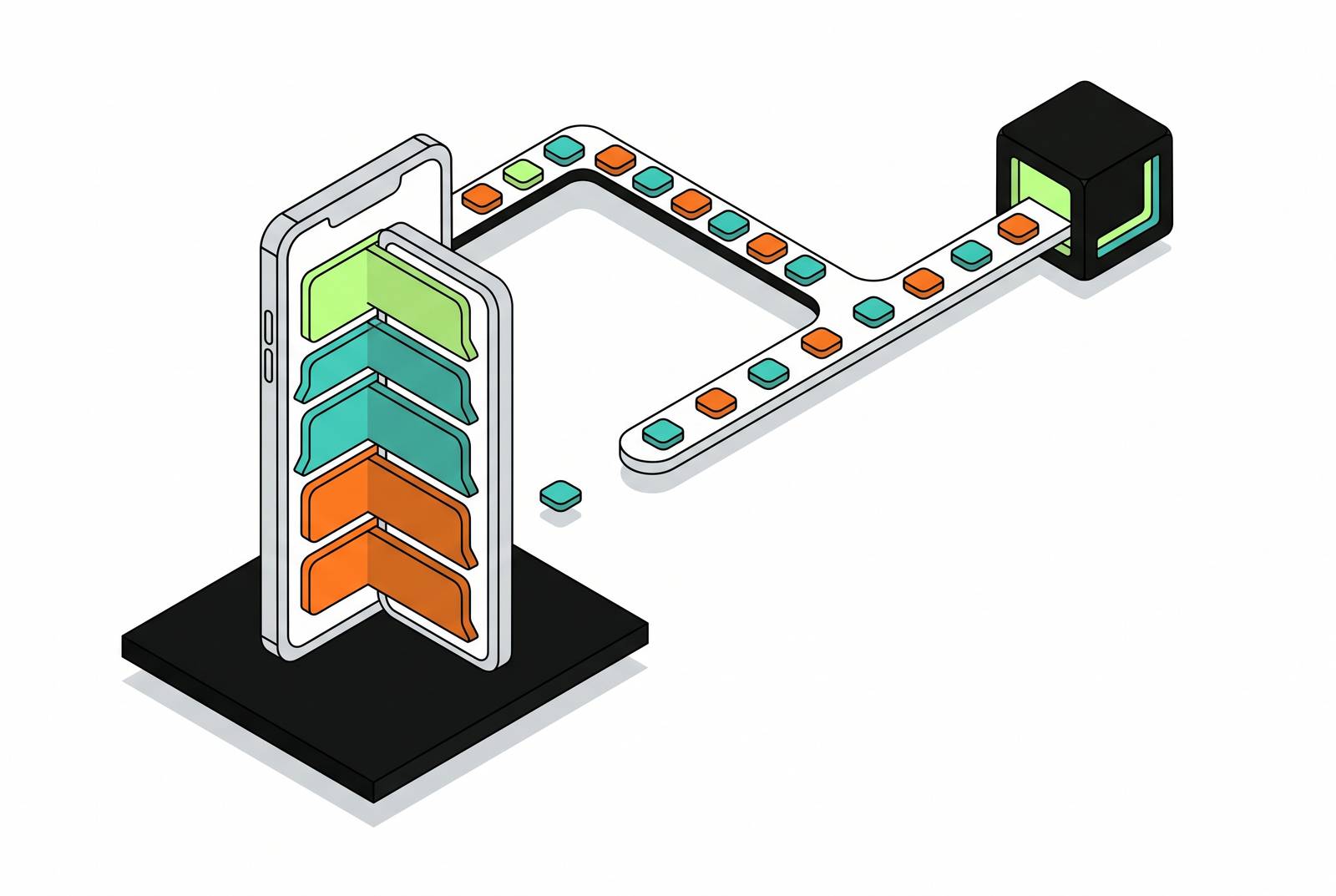
Users can tell when an AI app is broken before they can articulate why. A spinner holds for seconds, then a wall of text lands all at once. The experience feels stale, like a web page from a decade ago. In contrast, text that flows as it is generated reads as responsive and intelligent, because users now associate the streaming pattern with quality itself.
The difference isn't visual. Traditional apps operate on a request-response cycle: a complete blob of data arrives, gets parsed, gets rendered. AI apps operate on a streaming cycle: an open-ended sequence of tokens arrives incrementally, and the connection may stay open for seconds. The shift is temporal and structural, not cosmetic.
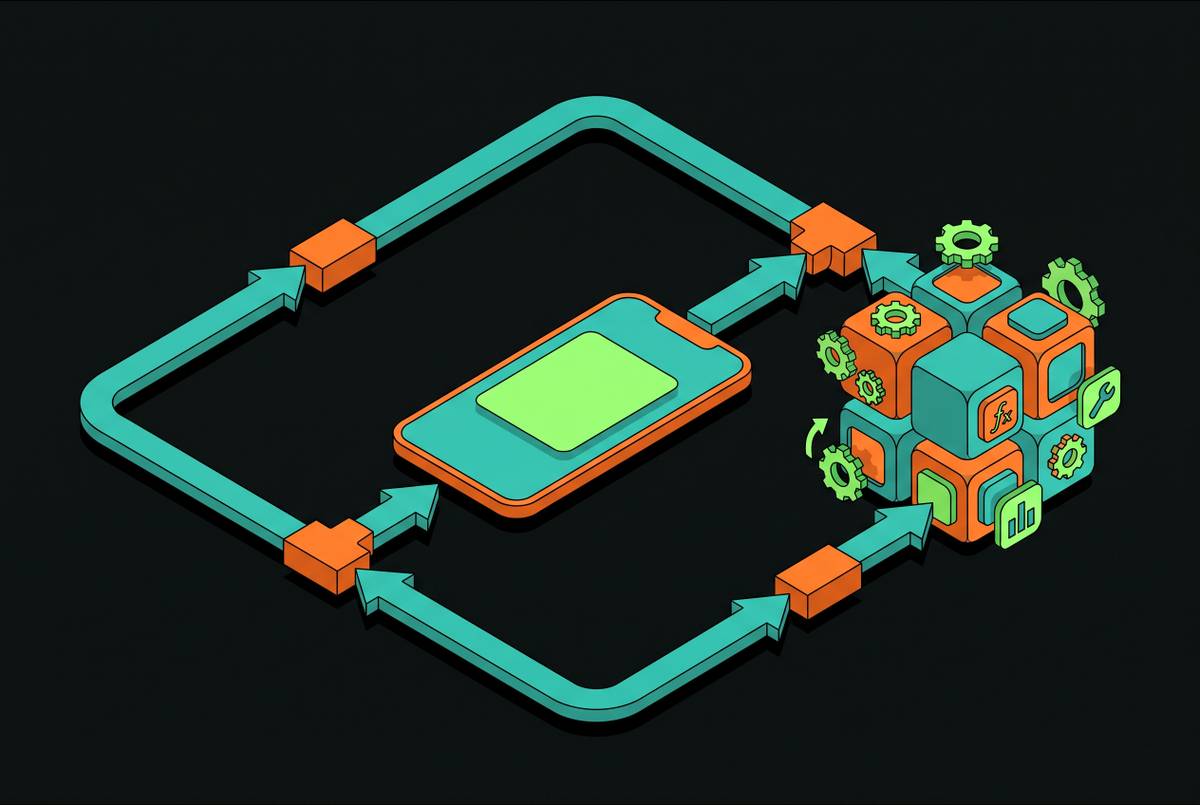
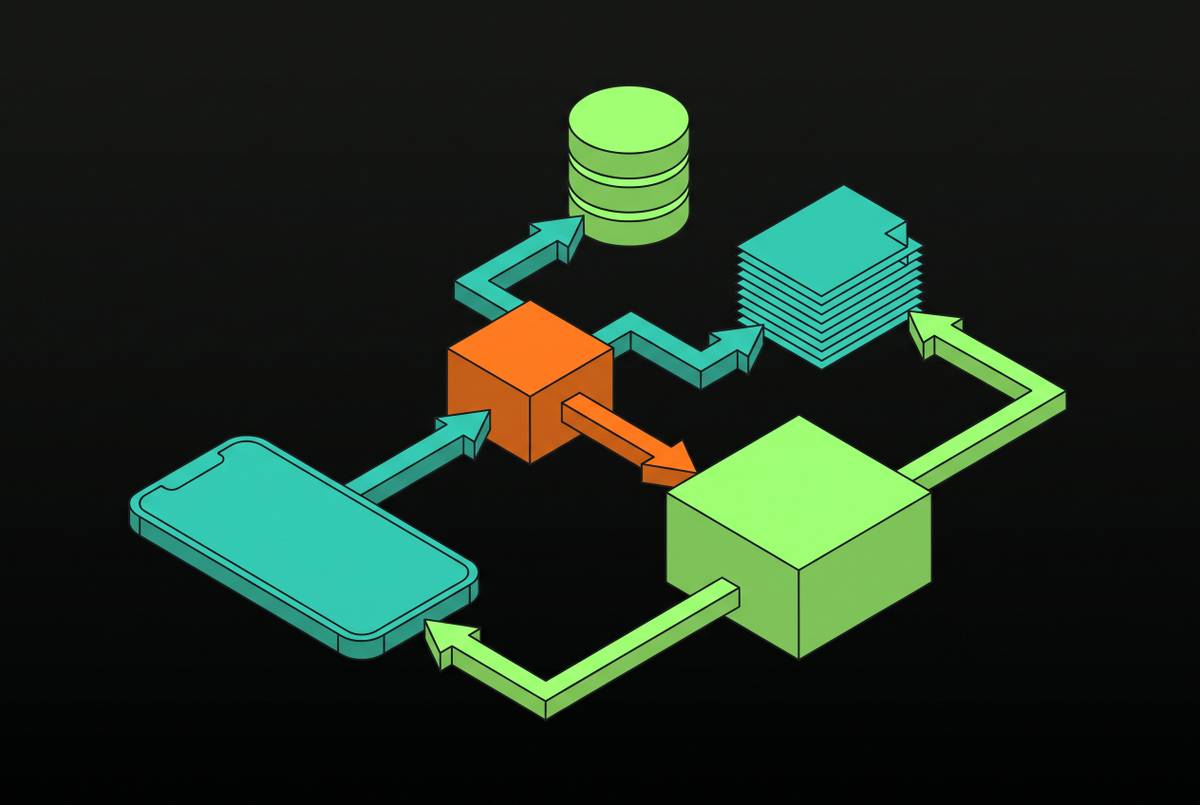
The instinct to treat streaming as a UI animation produces a system with no clean seams. Networking, state mutation, and rendering collapse into one layer where code appends tokens to a label and hopes nothing races. That layer cannot be tested independently. It cannot be cancelled cleanly. It cannot be secured, because there is no identifiable boundary where a guardrail check should happen. Transport, concurrency safety, structured state, and rendering each own a layer, and the architecture makes those boundaries explicit. Streaming, in other words, is an architectural commitment, not a feature flag.
How URLSession.bytes hands the transport layer to AsyncSequence
The difference is the difference between a pipe and a bucket: data(for:) waits for the connection to close, then hands over a complete blob; bytes(for:) exposes data as it arrives. For an LLM response that may take seconds to complete, only the former behavior is acceptable.
URLSession.bytes(for:) returns a tuple containing URLSession.AsyncBytes, a concrete type that already conforms to AsyncSequence. The network pipe is itself an async sequence, which means the rest of the pipeline can treat it as one without any adapter layer. An for await loop over AsyncBytes is the canonical consumption pattern, and it composes cleanly with every other async sequence in the stack.
LLM APIs typically deliver tokens over Server-Sent Events, or SSE. The raw bytes are lines of text prefixed with data:, and nothing else. The first parsing step iterates those lines, strips the prefix, and decodes the JSON payload that contains the token delta. That parsing is where most naive implementations begin to leak transport concerns into the rest of the app.
One production detail catches engineers repeatedly: iterator state must persist across next() calls. A TokenStreamer struct that conforms to AsyncSequence, with a nested TokenIterator holding the word-position index, demonstrates the correct pattern: each next() call emits one token, optionally with a configurable delay. The same structural pattern applies to real SSE parsing.
Wrapping the raw SSE stream in a custom AsyncSequence type, rather than parsing inline, isolates the transport concern. The rest of the pipeline receives clean String tokens and knows nothing about HTTP framing. Stream efficiently, persist iterator state, respect cancellation, chunk sensibly.
What Swift actors do for token safety that nothing else can
Token deltas arrive concurrently. Appending them to a shared string without actor isolation produces data races, and Swift 6's strict concurrency model catches those races at compile time, not at runtime. The compiler rejecting a race before it ships is the strongest argument for the language's approach.
Swift 6 provides four load-bearing primitives for streaming. Actors protect state and prevent data races. @Observable, paired with @MainActor, tracks changes for surgical UI re-rendering, but it is an observation and state macro, not a concurrency primitive itself. Sendable guarantees at compile time that tokens, typically Strings, can cross actor boundaries safely.
The idiomatic solution for a streaming chat model marks the view model @MainActor. No DispatchQueue.main.async call appears anywhere in the call site. Separate methods for each transition keep the actor boundary explicit: finishAIMessage() moves currentAIMessageContent into the messages array and resets loading state, rather than inline mutation buried inside the streaming loop.
Some pipelines must scan tokens before displaying them, for secret redaction or guardrail checks. Those pipelines need a dedicated actor between the network sequence and the UI, one that holds back characters, scans the accumulated text, and releases only what is confirmed safe. MatchAction options handle redaction or full blocking.
The problem this solves is concrete. A secret split across two deltas, "key AKIAIOSF" followed by "ODNN7EXAMPLE", passes a per-delta scanner. The gate catches it because it scans everything received as one text before releasing.
One final guard belongs here: the generationID. When a user cancels and immediately starts a new request, an older task must not clear the state for the newer one when it unwinds. Assigning a new UUID on each generation call and checking it before any state mutation prevents that class of bug entirely.
How @Observable gives SwiftUI surgical control over which views re-render
The @Observable macro, available from iOS 17, is the correct state container for a streaming view model because it tracks property-level access, not object-level access. Only views that read a changing property re-render. That granularity matters when tokens arrive dozens of times per second and a full object-level invalidation would redraw the entire view hierarchy on every delta.
No @Published wrappers are needed. The production view model shape is a @MainActor @Observable final class with separate properties for partialReply, updated on every snapshot during streaming; completedReply, set once after stream.collect() finishes; isGenerating; and errorMessage. Each view reads the properties it needs, and SwiftUI tracks only those.
For structured output, @Observable interacts gracefully with PartiallyGenerated types. Each streaming snapshot updates the partial model's optional fields, and views render with simple if let checks. The rendering layer stays declarative while the underlying state changes continuously.
The.task modifier on a SwiftUI view is the correct place to own the streaming task's lifetime. It starts when the view appears and is cancelled automatically when the view disappears, tying concurrency lifetime to the view hierarchy's lifetime without any manual cleanup code. The transport, concurrency, state, and rendering layers are now four distinct primitives, each with a clear boundary.
What Apple's Foundation Models framework changes about on-device streaming
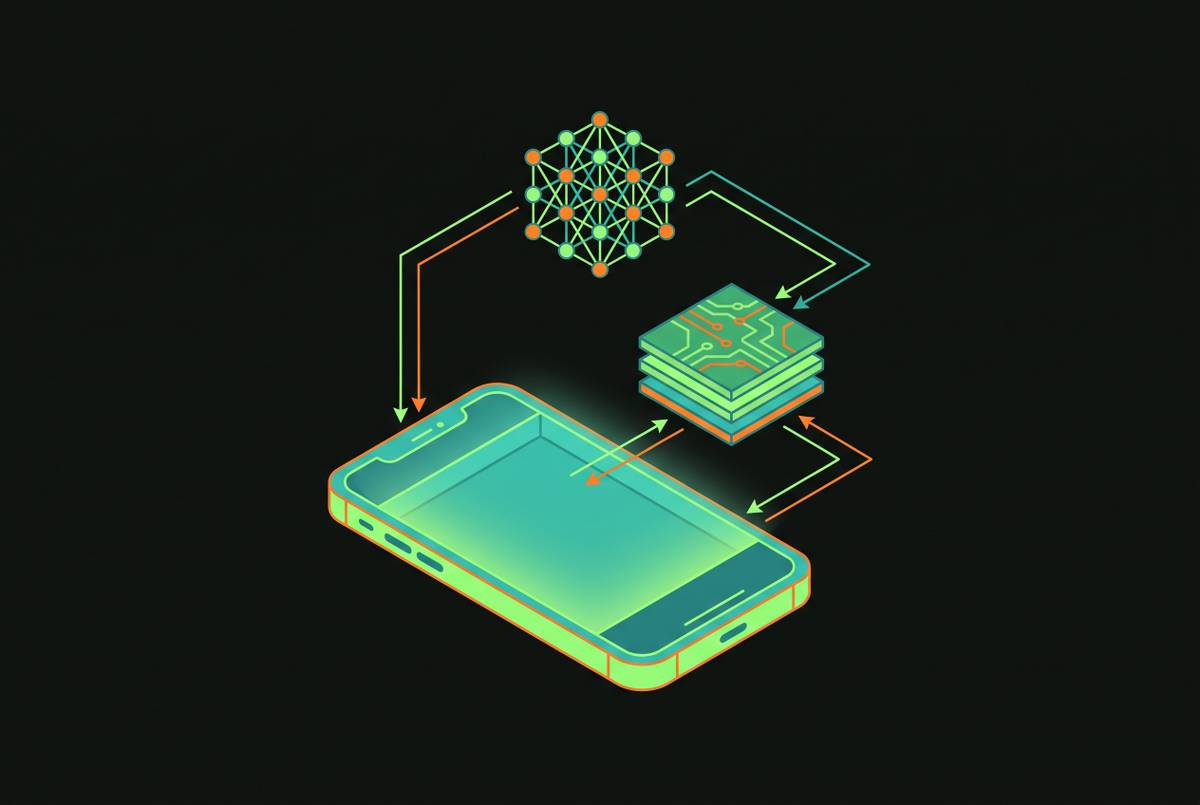
Apple's Foundation Models framework, available with iOS 26, gives Swift developers direct access to an on-device language model with a streaming API that returns an AsyncSequence of response snapshots. The same pipeline primitives apply: transport, concurrency safety, structured state, and rendering. What changes is everything downstream of the transport layer. No API keys. No network round-trip.
The on-device model is the same one powering Apple Intelligence. SystemLanguageModel.default is the entry point, and availability must be checked at runtime because the model may be unavailable for device eligibility, user settings, or readiness reasons. The error surface is explicit: GenerationError.concurrentRequests, GenerationError.unsupportedLanguageOrLocale, and GenerationError.exceededContextWindowSize each require a distinct user-facing message rather than a generic catch.
The context window demands runtime inspection rather than hard-coding. The safe practice reads SystemLanguageModel.contextSize at runtime and measures prompts with tokenCount(for:), both of which arrived in iOS 26.4. Memory management is an active concern too: the OS aggressively reclaims memory from background processes, so the model session should not be kept alive when the user is not in the AI flow. Load the session when needed, release it when the view disappears.
The best use case for on-device inference is a narrow, well-scoped task. Offline FAQ support, document summarization, and structured responses within a specific domain all fit comfortably. Broad open-ended queries exceed what on-device hardware can sustain at cloud-model quality, and pretending otherwise produces a degraded experience.
WWDC26 expanded the options meaningfully. Three additional backends joined the on-device model: Private Cloud Compute with reasoning and a 32K token context window; Core AI for running local models on Apple Silicon across CPU, GPU, and Neural Engine; and MLX, giving access to models from the MLX-Community on Hugging Face. Anthropic and Google will extend the framework with their own Swift packages, so Claude and Gemini become available through the same API surface.
The routing rule simplifies the decision. Foundation Models means the app runs the model on-device. App Intents means Apple Intelligence runs the model and routes to the app. MCP means an external host runs the model and reaches into the app through a tool server. Each option owns a different layer of the pipeline, and the architecture should reflect which one is in play.
Handling the token display layer: pacing, Markdown healing, and cancellation
Token streams are bursty by nature. Silence for hundreds of milliseconds followed by a burst of text causes visible stutter in a naive implementation, and raw Markdown delimiters flickering in and out while a response is still forming destroys the reading experience even when the underlying pipeline is correct. The display layer deserves the same architectural attention as the transport layer.
The naive approach, text += delta on every token, makes stutter visible: nothing for 400 milliseconds, then a sentence lands at once, with ** and backtick characters blinking in and out while Markdown is incomplete. The StreamingText library addresses this by sitting between the network layer and the view. The available presets are.natural at 45 characters per second with a 1.5 second max lag,.fast at 120 characters per second with a 0.6 second max lag, and.instant with no animation.
Grapheme safety matters at chunk boundaries. Character-level splits produce corrupted glyphs. Correct implementations work in Unicode scalars and only release complete grapheme clusters. The library's two public building blocks, MarkdownHealer and StreamingTextBuffer, are pure value types that can be used independently, which makes unit testing the display layer possible without a live network. Cancellation in the display layer works in both directions: revealAll() finishes the buffer instantly, useful for a stop button that lets the user read what arrived, while cancelling the owning Task stops the stream cleanly.
Accessibility deserves the same rigor. For histories and saved messages, a completed message can be wrapped in a StreamingTextModel(text:) initializer so past messages render through the same view component without streaming behavior. One view type handles both states.
Where the native Swift pipeline outperforms React Native, and where it doesn't
For the specific workload of streaming LLM tokens into SwiftUI, native Swift retains a material advantage over React Native for on-device ML inference, but the gap narrows considerably for cloud-API streaming UIs. The honest assessment separates those two workloads. Cross-platform wrappers introduce a bridge layer that adds latency and prevents direct use of the Apple Neural Engine. For real-time on-device LLM inference, Foundation Models, and Core ML workloads, native development retains a material speed advantage. New Apple AI features, including the Foundation Models framework, the @Generable macro, and the WWDC26 backend additions, debut in native development first. The React Native community builds bridge modules to expose them, typically with some delay and performance trade-offs.
The strongest counter-argument deserves respect. For a cloud-API streaming chat UI, the gap in visible experience may be negligible. It rates below native specifically for on-device ML performance because the bridge overhead cannot be eliminated for that workload.
The decision rule for engineering leaders is straightforward. If the product requires on-device Foundation Models, Core ML inference, ARKit, 120Hz animation, or real-time audio/video, choose native Swift. If the product is a cloud-backed streaming chat UI and must ship cross-platform on a fixed budget, React Native is a legitimate choice with an honest performance trade-off. The architecture described here still matters in either case. The transport, concurrency, state, and rendering boundaries remain the same intellectual commitments regardless of which UI framework eventually draws the pixels.
Career signals senior iOS engineers should build around AI streaming work
Transport, concurrency, state architecture, and UI performance each demand a defensible choice, and that cross-layer ownership is what distinguishes a senior iOS engineer from one who implements features inside an existing architecture. The signals that matter on a resume and in a technical interview are ownership, architecture decisions, cross-team coordination, performance work, and security. Streaming LLM work touches all of them. The transport layer choice, the actor boundary, the redaction pipeline, and the display performance problem each carry an architecture the engineer must be able to explain and justify.
AI-native iOS is an emerging specialty. Knowing that URLSession.bytes is the transport primitive, that @MainActor is not a synonym for thread safety, and that a streaming guardrail must scan accumulated text rather than individual deltas is specialized knowledge that hiring managers are beginning to screen for explicitly. Proven, daily use of AI coding agents and AI-assisted development tools, scoping tasks for agents and critically reviewing AI-generated code, is now an explicit qualification in senior iOS job descriptions, not a differentiator. For engineers targeting Staff-level roles, the expectation is cross-team leverage, not individual contribution. Evangelizing and enforcing a consistent streaming architecture across multiple product teams, owning how AI capabilities are delivered, and being the technical owner of performance, security, and reliability across the AI layer: that is the Staff scope, not working within one feature.
Apple interview preparation follows the same logic. iOS technical depth is non-negotiable. ARC, retain cycles, Swift async/await, and the Swift 6 concurrency model including actor isolation appear as follow-up questions. System design questions are on-device first: offline sync, conflict resolution, and on-device caching are the primary concerns, not distributed backend infrastructure.
The architecture laid out here is itself the career signal. Cancellation is respected throughout. That technical judgment, the ability to explain why each boundary exists and defend it under questioning, distinguishes a senior engineer's explanation of their work from a junior engineer's feature description.