On-Device LLM Inference on iPhone Using Apple Intelligence and Core ML
Apple's 2026 SDK lets developers run AI locally first, then route to cloud only when needed.
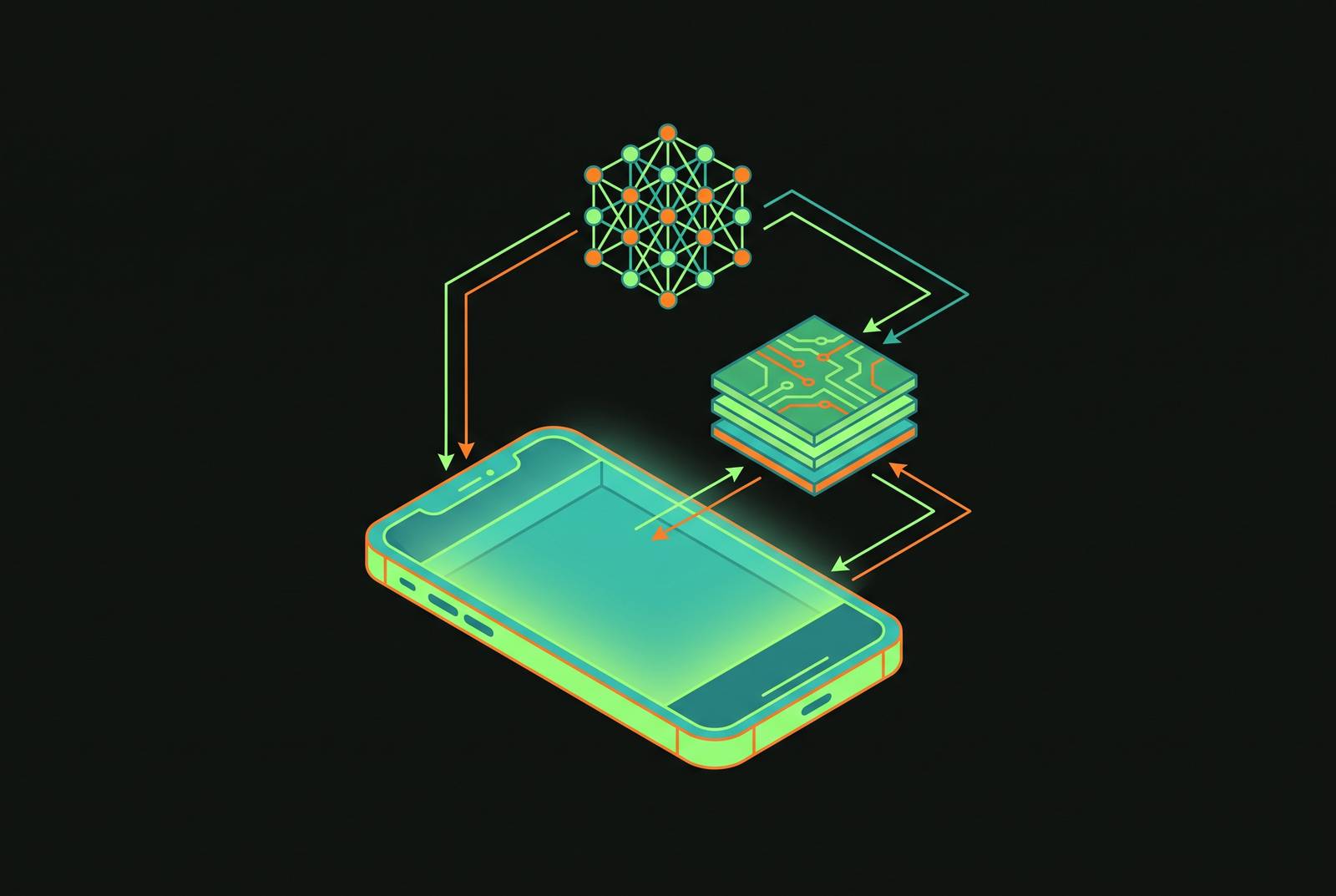
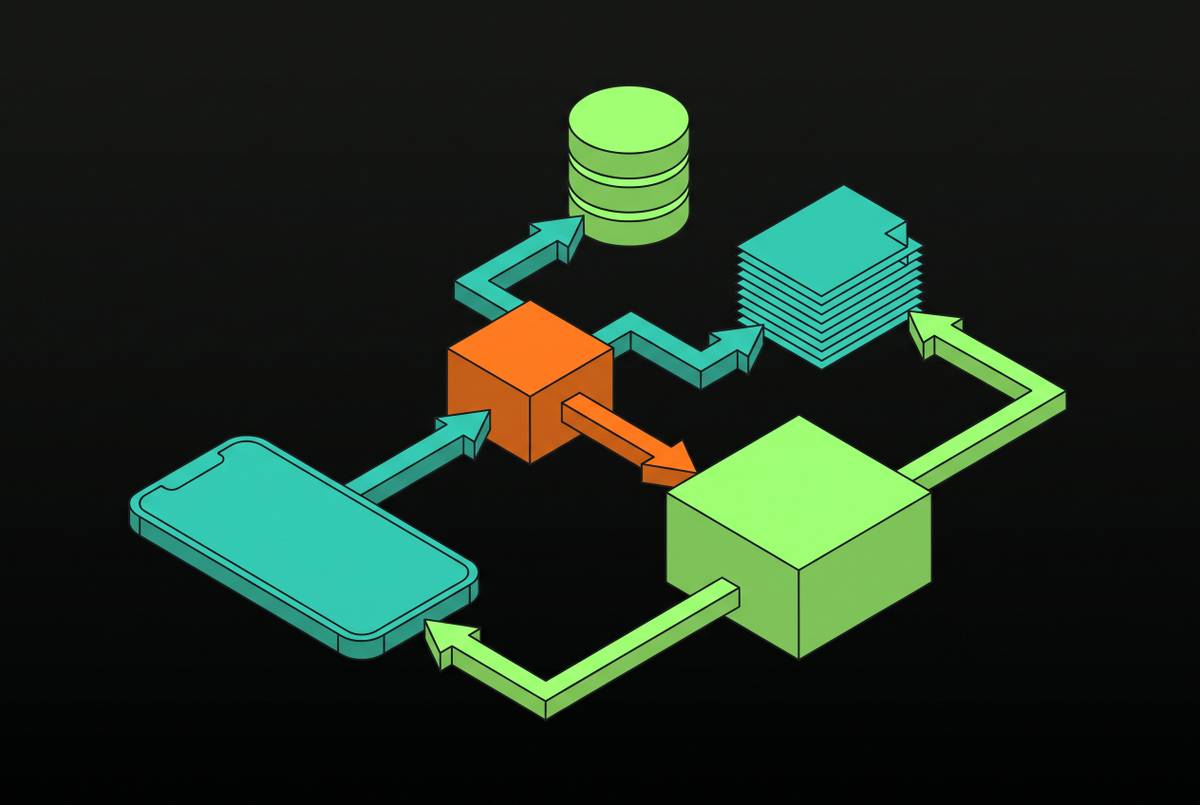
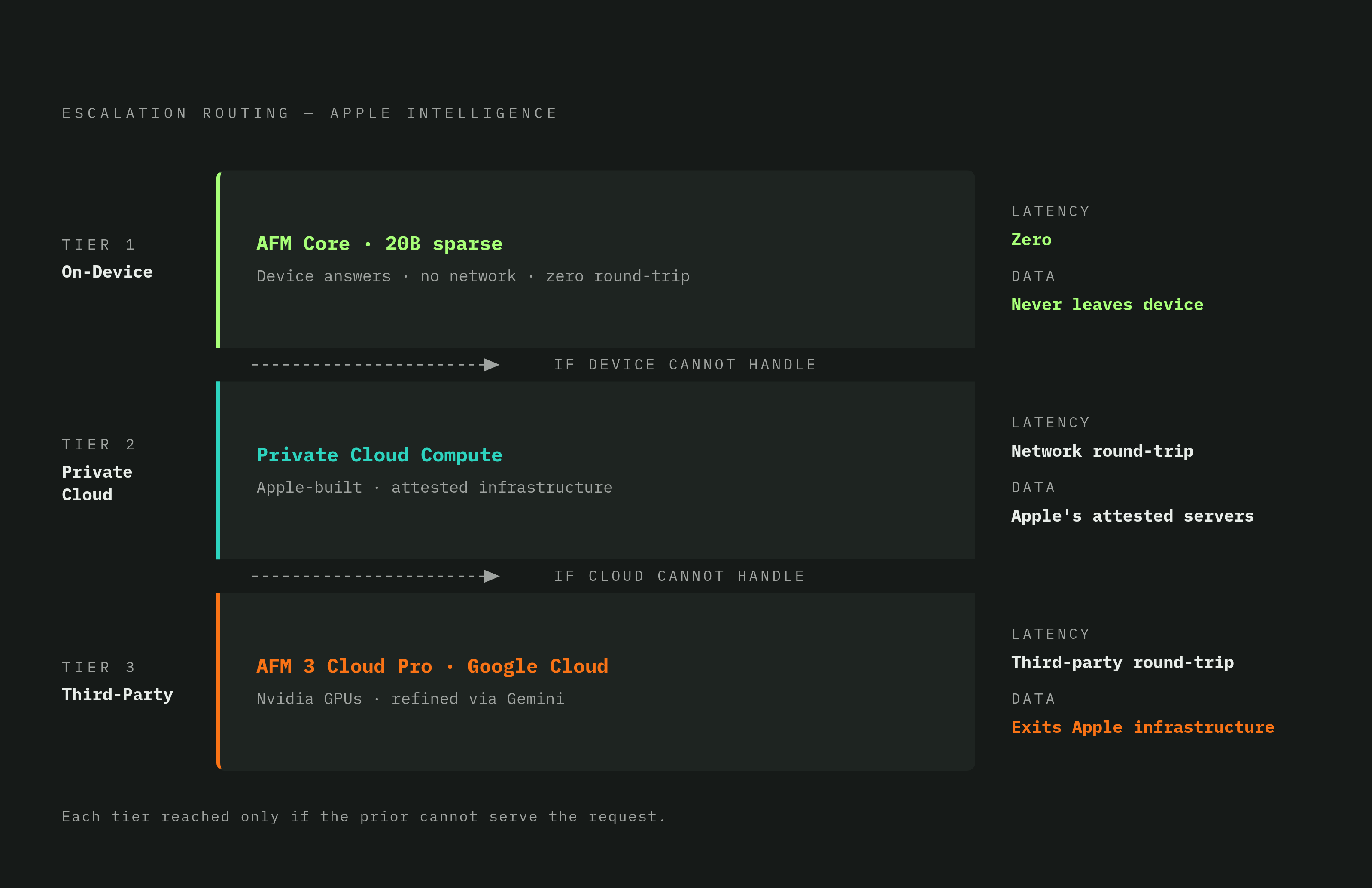
Apple Intelligence runs local first and reaches for the cloud only when local can't finish the job. Apple's 2026 SDK puts the on-device model in the hot seat: it answers first, and the network only gets involved when the device genuinely can't handle the request.
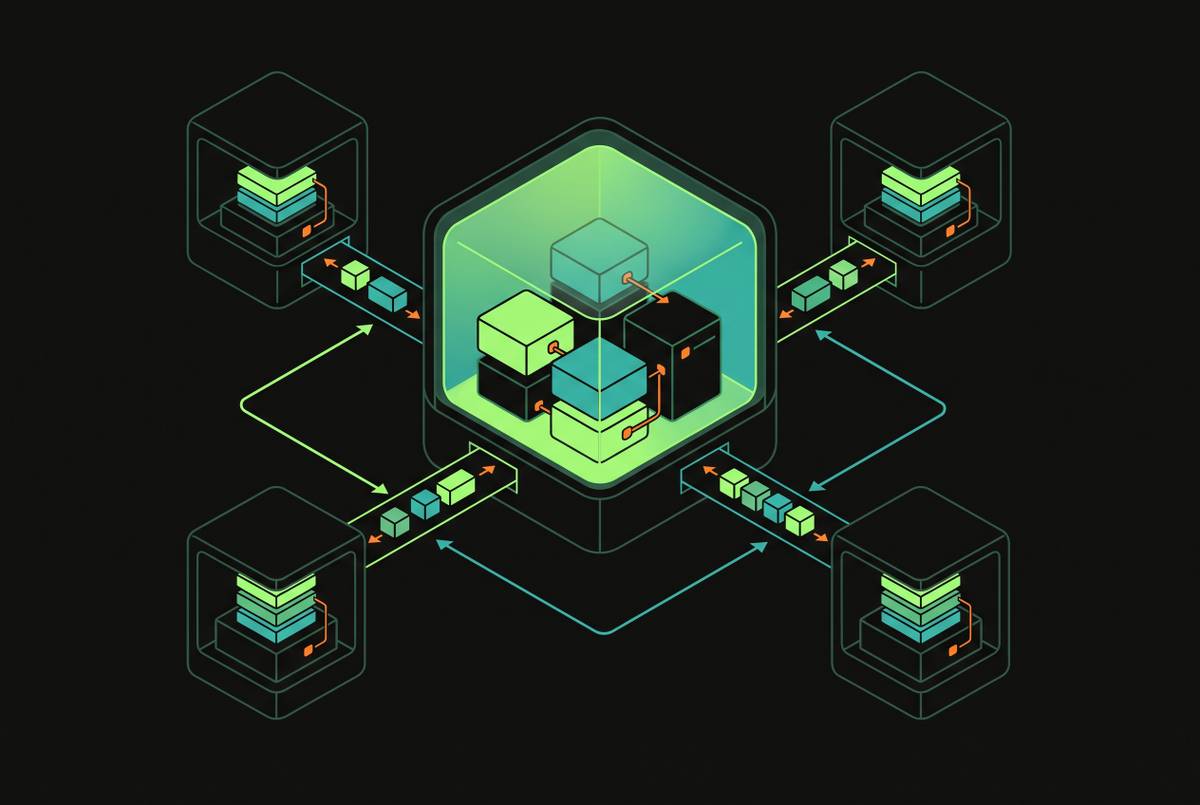
That choice rests on a three-tier system. The second tier is Private Cloud Compute, built and attested by Apple on its own servers. The third is AFM 3 Cloud Pro, which runs on Nvidia GPUs inside Google Cloud and was refined using Gemini outputs during training.
The tier that handles a request decides what happens to the user's data. The on-device models are Apple's own, start to finish.
Apple frames all this around privacy, and that's a fair description of the intent. But the engineering payoff runs just as deep: a request handled locally has no round-trip latency, no queueing behind other users' requests, and no outage surface sitting in the middle of an agentic task. Three tiers escalate in that order, with the device doing as much of the work as it credibly can.
AFM Core's sparse architecture
The model running locally isn't a toy, scaled down just to fit a phone's limits.
AFM Core, in its flagship form as AFM 3 Core Advanced, is a 20B-parameter sparse model. Routing once per prompt instead of once per token cuts down the amount of data the chip has to move around during generation, and that data movement sets the limit on whether a 20B model can run within a phone's battery and thermal budget.
Apple is specific about what it built this model to do. Its own machine learning research describes the model as excelling at summarization, entity extraction, text understanding, refinement, short dialog, and generating creative content. It was not built to be a general-knowledge chatbot, and treating it like one will produce disappointing results.
If you ship a custom model instead of relying on the system model, 4-bit quantization is the standard move. The practical hardware floor for this kind of work is the iPhone 15 Pro and newer, with 8GB of RAM, and a 4-bit quantized small model represents the realistic ceiling for what current hardware can run well.
The two frameworks engineers call: Core AI and Foundation Models
Apple's 2026 SDK gives engineers two separate ways to reach on-device inference, and picking the wrong one for the job is an easy mistake to make early on.
Core AI, announced at WWDC 2026, is the official successor to Core ML. It's built specifically for running large language models and generative AI entirely on-device, with unified access to the CPU, GPU, and Neural Engine under a single API, a memory-safe Swift interface that enables zero-copy data paths, and ahead-of-time compilation that gets models loaded into memory almost instantly.
Foundation Models sits a level above Core AI. You get a direct Swift API into the system's own on-device model on every Apple Intelligence-eligible device, so you never have to manage model files, handle quantization, or write hardware routing logic by hand. The model itself lives at SystemLanguageModel.default, the app gets back a LanguageModelSession to work with, and the network never enters the call path.
The Tool protocol is the contract that lets the model call out into app logic.
Two macros round out the developer experience. The @Generable macro, applied to a Swift struct, makes the model generate typed output directly, with no regex parsing and no hand-rolled JSON decoding; the framework owns the decoder, not the app's code. @Guide annotations sit on individual fields inside a @Generable struct and let a developer describe intent declaratively. For teams that need more specialized behavior, LoRA adapters are supported too: a small domain-specific adapter can ship through Background Assets rather than bundled inside the app itself, which avoids the cost of running a private fine-tune on a server somewhere.
A minimal version of the pattern looks like this:
@Generable
struct WeatherSummary {
@Guide(description: "A one-sentence forecast summary")
var summary: String
@Guide(description: "Temperature in Fahrenheit")
var temperature: Int
}

let session = LanguageModelSession(
tools: [GetWeatherTool()],
instructions: "Help the user with weather forecasts."
)
let result = try await session.respond(
to: "What's the weather like?",
generating: WeatherSummary.self
)
The Tool protocol: how the on-device model connects to app logic instead of just completing text
Without the Tool protocol, the on-device model is just a text-completion endpoint with no awareness of anything inside the app that's calling it. With it, the model can call typed Swift functions directly, and it can reason over whatever those functions send back. That one capability is what separates a genuine on-device AI feature from a chat box bolted onto an app.
Tool-augmented generation is the actual point of the framework. The chat interface most demos show off is a surface, separate from the capability underneath it. The protocol itself asks for a name: String, a description: String, an associated Arguments type that conforms to ConvertibleFromGeneratedContent, an associated Output type conforming to PromptRepresentable, a var parameters: GenerationSchema { get }, a var includesSchemaInInstructions: Bool { get }, and an async call(arguments:) method that can throw.
When the model decides mid-conversation that it needs a tool, it emits a structured call. None of that marshalling logic is something the developer has to write by hand.
A WaterEntryLookup tool, from Apple's own documentation, takes @Generable arguments describing a date range and returns a string summarizing the matching entries.
Engineers need to make a routing decision at design time, not discover it at runtime. Foundation Models means the app itself runs the model on-device. With MCP, an external host runs the model wherever it chooses, and it reaches into the app through a tool server. Those three paths determine who owns the execution context and where the data actually flows, and that choice has to get made while the feature is being designed, not patched in after the fact.
Threading, availability, and the mistakes engineers make when they first integrate Foundation Models
The most common first mistake in a Foundation Models integration is a frozen UI during generation, or a feature that silently and permanently falls back to the cloud without anyone noticing why. Both come from skipping the same two checks.
Writing the actual API call is the easy part. Getting the threading and availability logic right is where most first integrations run into trouble in production. SystemLanguageModel.default.availability needs to be checked before every call, not just once on app launch, because it can return a non-available state on older iPhones, on devices where the user has turned Apple Intelligence off, or when the model simply hasn't finished downloading yet (modelNotReady). An app that checks this once at startup and assumes the answer never changes will eventually call a model that isn't there.
Running inference on the main thread will freeze the UI, and dispatching every inference call asynchronously is not optional for any app shipping to consumers. Xcode's Thread Sanitizer can catch data races across threads, but it has to be turned on manually in the scheme settings first, and it has no special awareness of tensors or model outputs specifically. That makes it most useful, and most often forgotten, when an app is streaming text back token by token or running real-time analysis on a continuous feed of input.
LanguageModelSession objects are meant to be lightweight, created per task, and thrown away when the task is done.
The pattern that holds up in production is a two-tier fallback: the local session runs first, and if its confidence comes back low, if structured-output validation on the @Generable type fails, or if the model throws an error, the call falls through to a hosted client. The enforcement of structure at decode time through @Generable makes that fallback a reliable mechanical decision based on fixed criteria. That routing decision happens per call, not per feature. The exact same function in the exact same feature can resolve locally one moment and remotely the next, depending on what the model returns and how hard the specific request turns out to be.
What on-device inference changes about economics and UX ceiling
Two constraints have historically decided which AI features could ship to free users at all: the marginal cost of every single call, and network latency acting as a hard ceiling on how responsive a feature could feel. On-device inference removes both.
Cloud inference carries a latency floor that no amount of engineering can get under: network round-trip, time spent queueing behind other requests, and the generation time itself, all stacked on top of each other. On-device inference answers to none of that. It's bound only by how fast the Neural Engine can push out tokens, independent of network conditions. The cost shape changes just as much. Cloud inference costs appear on a balance sheet as a line item that scales with every user, while on-device inference drains battery and generates heat, so the user's hardware absorbs that cost. That difference in shape is what lets features that used to sit behind a paywall move below it.
A real limit remains. A 3B-class model running on-device is meaningfully less capable at complex reasoning than the large models running in the cloud, and no amount of optimism can change that. Engineers who understand exactly where that ceiling sits are the ones who can design a feature to live comfortably below it on-device, and escalate gracefully for the cases that need more.
The architectural fork on-device default creates for React Native teams
Whether React Native stays a sound choice for an AI-native iOS product depends entirely on where the inference actually runs, and you make that decision at design time, not as a limitation baked into the platform itself.
The fork appears clearly once on-device inference becomes central to a feature: running a model against the live camera pipeline, wiring directly into Core AI at frame rate, squeezing every bit of throughput out of the Neural Engine. At that point, the performance-critical layer of the app is effectively native code no matter what framework sits on top of it. So if you have to write that core layer natively, the usual economics of a shared codebase, the 30 to 40 percent reduction in development cost that industry benchmarks report compared to building two separate native apps, stop applying, no matter what wraps around it.
If the AI is cloud-backed, React Native remains the clean, obvious choice. If the model runs server-side and the app's job is just streaming prompts out and rendering responses as they come back, that's a networking and UI problem, nothing more. The fork is a question of where the actual inference lives, and teams that answer it honestly before writing code avoid months of rework in either direction.
The fragmentation problem: not every device supports on-device inference, and this shapes everything about how you ship
The on-device default only applies to hardware that's actually Apple Intelligence-eligible, and the full installed base of iPhones an app has to support is considerably wider than that. So every team shipping to real users needs a fallback strategy for fragmentation, whether or not anyone planned for one in advance.
Availability is decided per device. Building a feature that depends on on-device inference sets a hard device floor, and every user running hardware below that floor needs a decision made on their behalf: degrade the feature gracefully, fall back to the cloud, or gate the feature off entirely for them.
Reaching further down into older hardware to widen device coverage means running smaller, less capable models on those devices, since the models that perform well on-device are already meaningfully weaker at complex reasoning than their cloud counterparts. No amount of engineering effort resolves that trade-off between how many devices a feature reaches and how capable the model running on each one can be. The two-tier routing pattern covered earlier is the practical answer, but it needs to be treated as a product decision made up front, not a code pattern discovered during QA. What happens to a user who simply can't run local inference has to be designed on purpose.
The skill baseline senior iOS engineers need in 2026
On-device LLM integration is a distinct specialty layered on top of ordinary iOS engineering, and it demands its own body of knowledge: the three-tier routing model, the Foundation Models API surface, the Tool protocol, the threading and availability rules, and the honest capability ceiling that comes with running a model on a phone. None of that comes from general iOS experience alone. It takes deliberate study and time spent shipping it in production.
At the team level, this knowledge concentrates in a small group of engineers who end up functioning as a platform team in practice, whether or not the org chart calls them that. They own the architectural standards other product teams build against, and they can stop inference from getting bolted onto a feature as an afterthought late in development.
The Fisker case is the warning on the other side of this. The lesson for iOS teams isn't abstract. On-device capability is a resilience property for a product, not just a UX nicety, and the engineers who understand this full stack, from the three-tier architecture down to the threading rules, are the ones equipped to build iOS products that survive the next decade of AI infrastructure shifting underneath them.